Turn almost anything into a course you actually finish
A repo, an article, a video, a book — one pipeline, one gated course.
- Local-first
- Bring your own key
- No account
Windows · macOS · Linux · Android
Answer to light the next balloon
Exams guard each gate — master a lesson and the next one unlocks.
Drag the balloons. Throw the bot. Scroll — the sky turns.
A real tutor, from first question to mastery
It answers, quizzes you, proposes mastery and schedules the exam.
Quick check — what does an activation function do?
Read it aloud, note it, see the map
Highlights become notes; the blackboard grows a concept map.
A neuron first takes a weighted sum: z = w1x1 + w2x2 + b. Then an activation adds non-linearity: σ(z) = 1 / (1 + e−z). So even a single layer can learn a curved decision boundary.
A study buddy that is yours
Five preset forms, your own artwork, or classic Shimeji.
Five preset forms
Ember / Frost / Moss / Astro / Ink, one tap away.
Bring your own puppet
Import a PNG; it is cut into a rig with all the same physics.
Classic Shimeji
Load Shimeji packs — they walk, climb and get thrown.
The real thing
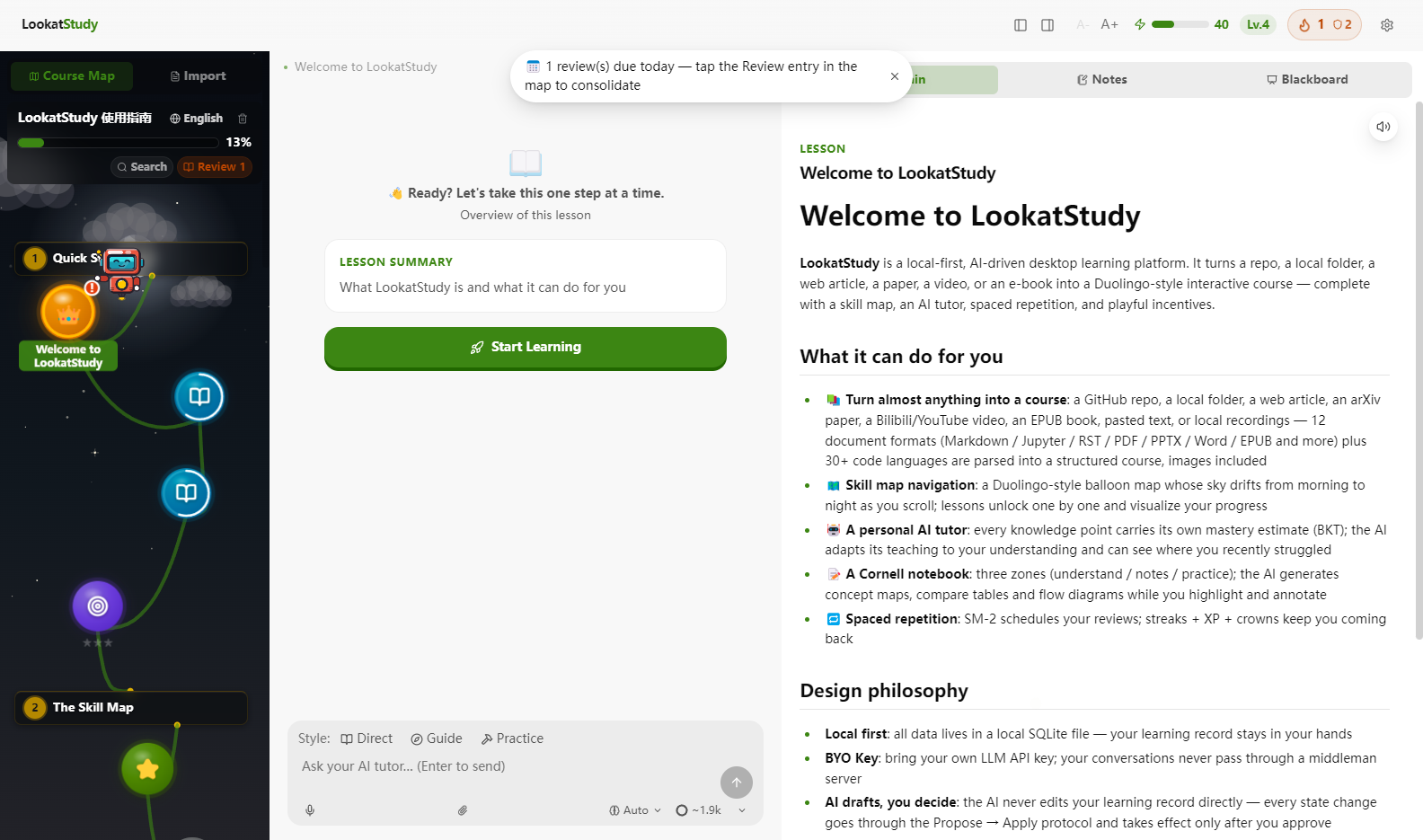
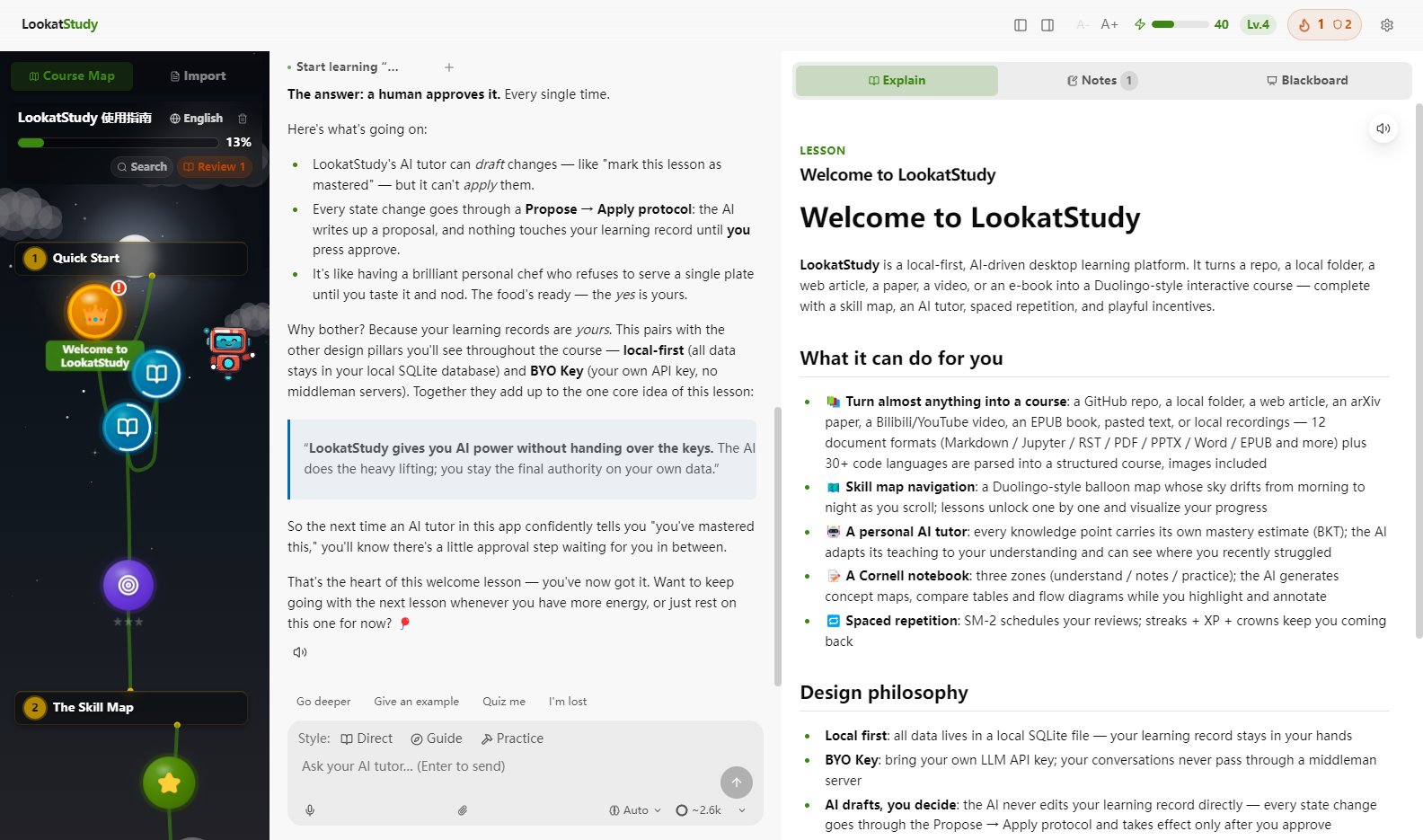
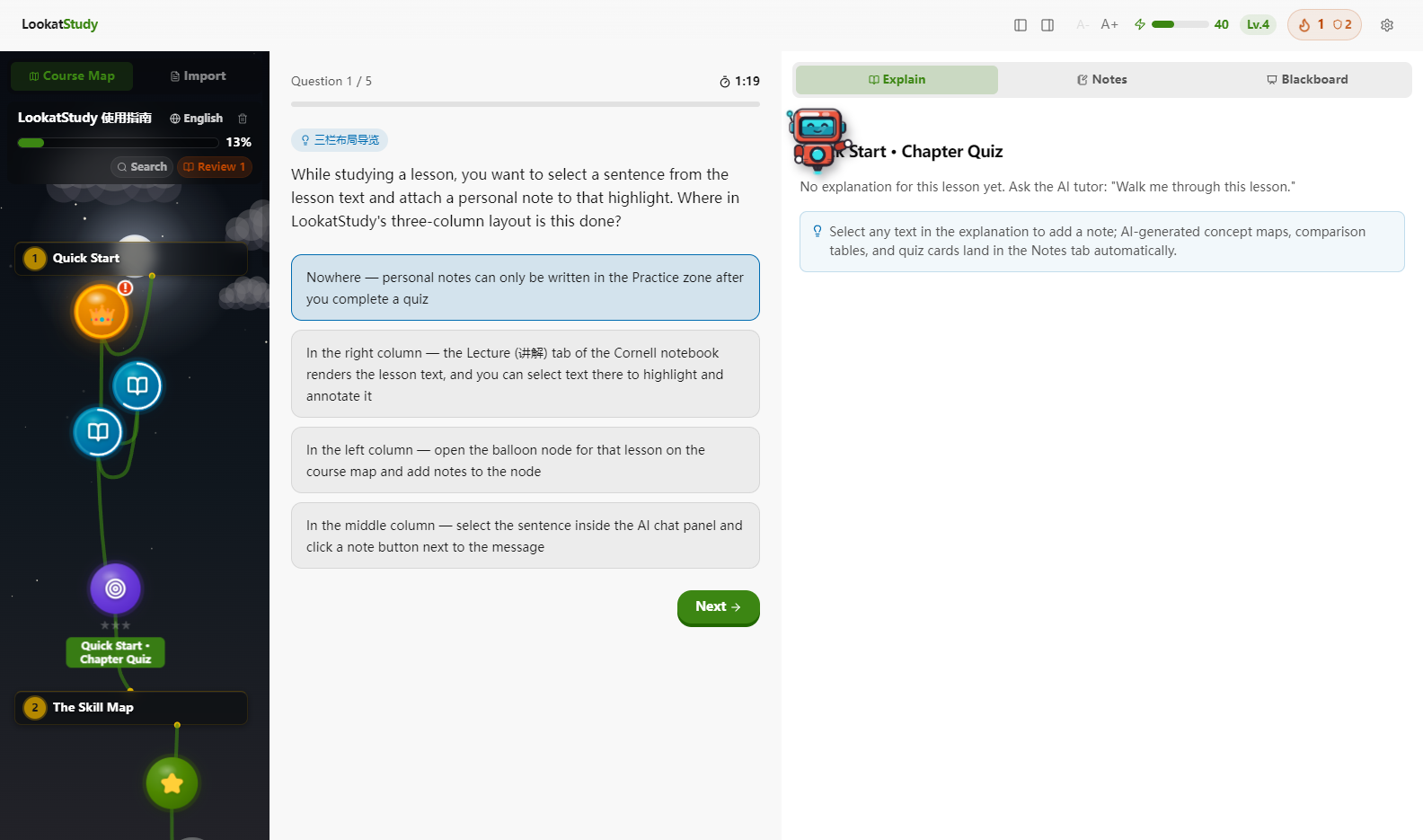
Three panes, one screen: the map on the left, the tutor in the middle, your notebook on the right.
Why a course, not another tab
“I star a lot of tutorials and finish almost none of them.”
A pile of docs is missing the three things every course has. A path: the map decides what you study today, and locks the rest until you’ve earned it. Feedback: lessons break into knowledge points and your mastery is the weakest one, so nothing slips through. A reason to return: SM-2 brings material back right before you’d forget, and XP, streaks and crowns give tomorrow-you a reason to open it again.
Start finishing things
A six-chapter guide course ships built in — you can click through the whole loop without an API key.
Grab an installer
Windows NSIS · macOS Apple-silicon dmg (unsigned: right-click → Open) · Linux AppImage + deb.
Android path: a launcher APK installs Termux and runs the same app in Chrome — your data stays on the phone.
Or run from source
Any platform, Node 22 or newer:
git clone https://github.com/Kaiji-Z/LookatStudy.git
cd LookatStudy
npm install
npm run dev:electronTo bring the AI in: Settings → pick one of nineteen providers → paste your key → Test Connection.